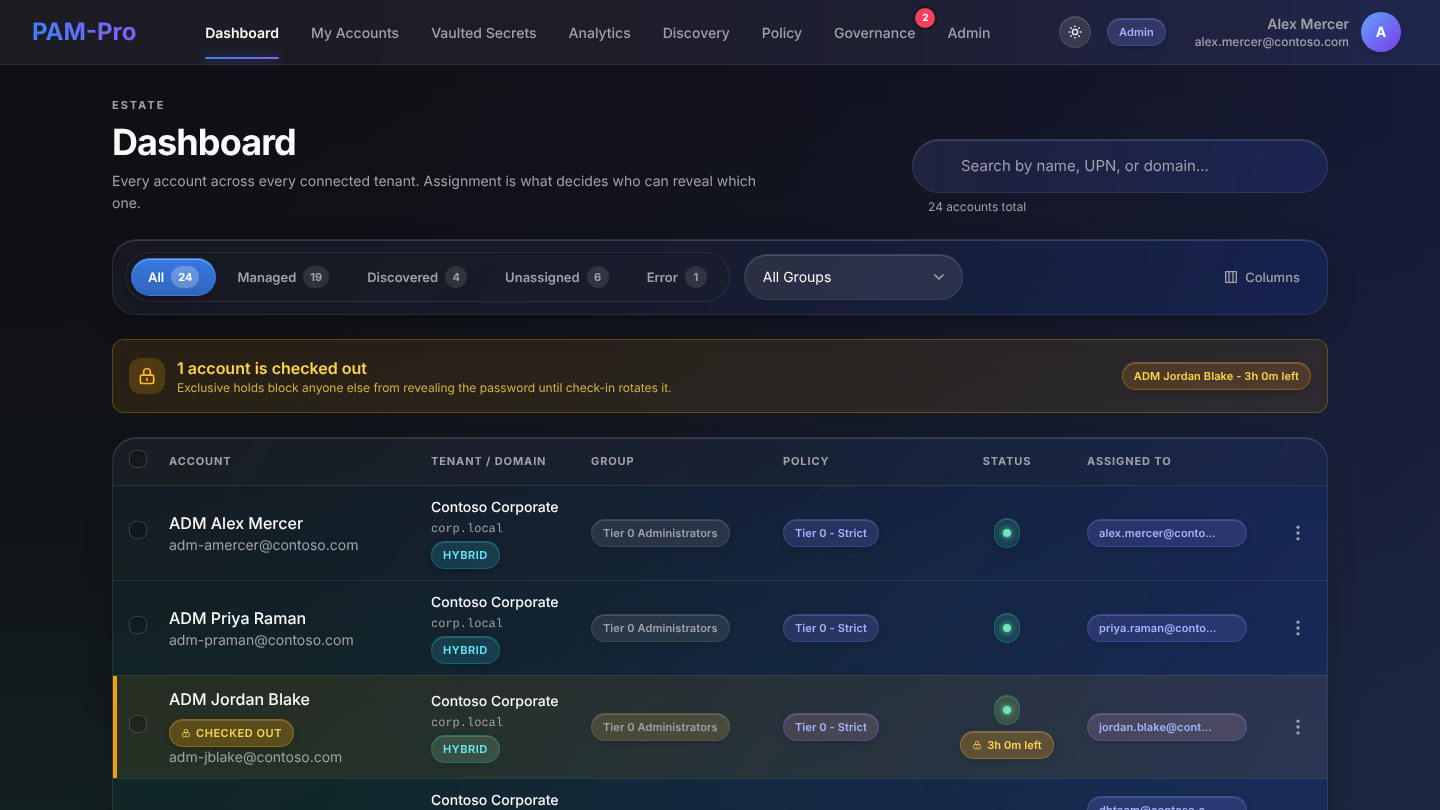
KeeperPAM grows a company password manager into privileged access: vaulting, remote connections and session recording through a Keeper Gateway you deploy. PAM-Pro starts from the other end: the privileged accounts in your Microsoft Entra ID tenant, with nothing to install.
Both are reasonable choices. Which one fits depends on where your privileged accounts live and what you have to prove at renewal.
| Question | KeeperPAM | PAM-Pro |
|---|---|---|
| Where it runs | Keeper cloud vault, plus a Keeper Gateway you install in your environment for rotation and connections | SaaS, Entra-native. No gateway, agent or server to run |
| Rotating Entra ID admin passwords | Supported through the Gateway with a PAM configuration for your Azure tenant | Core function: automatic rotation on check-in and on a schedule |
| Just-in-time checkout with approval and a ticket ID | Access is brokered through Keeper Connection Manager and the Gateway | Time-limited checkout, multi-level approval, ticket ID required |
| Remote RDP / SSH / database sessions and recording | Yes, a core strength | Out of scope. PAM-Pro does not proxy or record sessions |
| Company-wide password manager | Yes, Keeper's original product | No. PAM-Pro covers privileged access, not everyday passwords |
| Dated evidence pack for an insurer or auditor | Audit and reporting features; evidence assembly is up to you | One-click export mapped to HIPAA, SOC 2, NIST 800-53 and PCI-DSS v4.0 |
| Pricing | Custom pricing through Keeper sales | Published: Teams $3,000/yr for up to 20 managed accounts; Pro $20/account/month |
Plenty of teams keep Keeper as the company password manager and use PAM-Pro for Entra ID admin accounts. The two do not overlap much.
Last reviewed October 2026. Details about KeeperPAM come from the vendor's public pages listed below; check them for current terms before you decide.
It can rotate Entra ID user passwords, through a Keeper Gateway you deploy and a PAM configuration for your Azure tenant. If Entra ID accounts are most of your privileged surface, PAM-Pro covers them without a gateway and adds a dated evidence pack.
No. PAM-Pro records who checked out which credential, when, why, with what approval, and whether the sign-in was MFA-backed. It does not proxy or record RDP or SSH sessions. If you need session video, that is a KeeperPAM strength.
Yes. A common split is Keeper as the company password manager and PAM-Pro for Entra ID admin, break-glass and service accounts.
PAM-Pro publishes its pricing: SaaS Teams is $3,000 per year for up to 20 managed accounts, and SaaS Pro is $20 per managed account per month with a 20-account minimum. KeeperPAM is quoted through Keeper sales.
PAM-Pro starts with discovery: every privileged account in your tenant, and which ones nobody is managing, before anything changes.