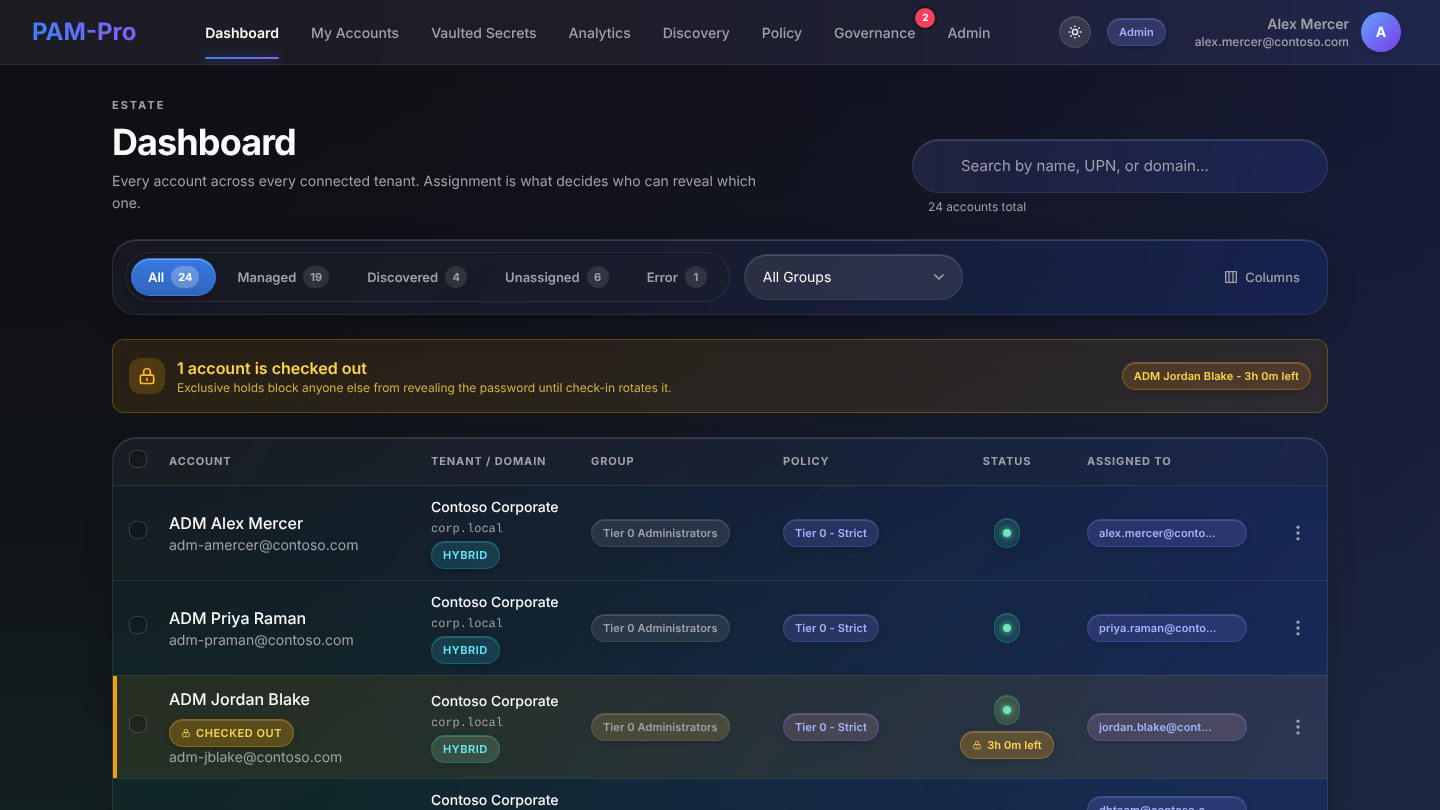
A password manager such as 1Password, Bitwarden or Keeper stores credentials and shares them with the right people. Privileged access management decides who may use an admin credential, for how long and with whose approval, changes it afterward, and keeps a record you can hand to an auditor.
Most teams keep their password manager. The question is whether the Global Admin password belongs in it.
| Question | Password manager | PAM-Pro |
|---|---|---|
| Store and share passwords | Yes, the core job | Yes, for privileged accounts, in a vault under your own key |
| Who can see the admin password | Anyone the item is shared with, at any time | Nobody by default; released per request, for a limited time |
| Approval before use | Not typically | Multi-level approval and a ticket ID |
| Change the password after use | Manual | Automatic rotation on check-in |
| MFA on each use of the admin account | MFA to unlock the vault | Per-checkout record of whether the sign-in was MFA-backed; checkouts without it are refused |
| Find admin accounts nobody is managing | No | Hourly discovery of privileged Entra ID accounts |
| Records an underwriter accepts | Vault activity logs | Write-once history and a dated evidence pack |
Keep your password manager for everyday logins. Move the handful of privileged Entra ID accounts into PAM, where nobody holds the password between uses.
Last reviewed October 2026. Password manager features vary by product and plan; check your own vendor's current features.
No. A password manager stores and shares credentials. PAM controls access to privileged accounts: it releases a credential only on approved request, for a limited time, rotates it after use, and keeps a record of each use.
You can, and it is better than a spreadsheet. But anyone the item is shared with can see the password at any time, and it does not change after use. Cyber insurance questionnaires increasingly ask for vaulting with rotation and activity records.
Usually yes. The password manager covers everyday logins for everyone. PAM covers the small number of privileged accounts, such as Global Admins, break-glass and service accounts.
SaaS Teams is $3,000 per year for up to 20 managed Entra ID accounts. Only managed Entra ID accounts are billed; other vaulted secrets are free.
PAM-Pro starts with discovery: every privileged account in your tenant, and which ones nobody is managing, before anything changes.