How to Find Every Privileged Account in Your Entra ID Tenant
Ask most IT teams how many privileged accounts exist in their Entra ID tenant and they'll name the ones they remember: a handful of Global Administrators, maybe an emergency access account. Ask them to actually produce the full list, and the number almost always comes back higher than expected, sometimes by a wide margin.
The gap isn't carelessness. It's that privileged access accumulates quietly over years, through paths nobody is specifically watching: a vendor given Global Administrator for a migration project that wrapped up eighteen months ago, a service account that picked up a directory role to unblock one integration and never had it removed, a user added to a role-assignable group for a single task who stayed in it indefinitely. None of these show up when someone mentally lists "our admins." All of them count as privileged access.
Check It Yourself
You don't need a platform to get a real answer here, just a few places to actually look instead of relying on memory.
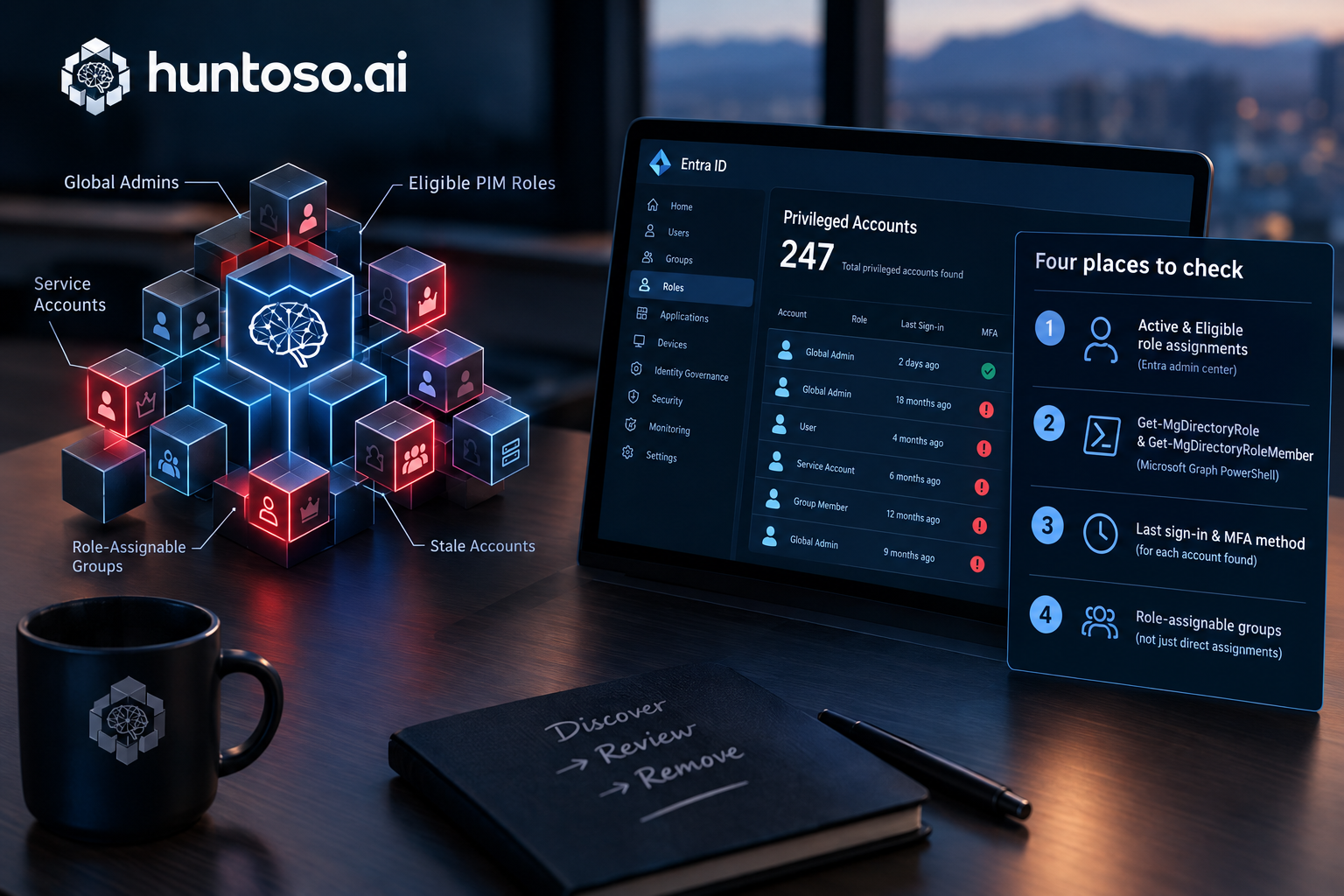
- Entra admin center, Roles and administrators. Open Global Administrator and any other privileged role your organization uses, and check both tabs: Active assignments and Eligible assignments. Eligible roles through PIM are easy to forget about entirely, since nobody holds them day to day, but an eligible assignment is still a standing path to privileged access that should be reviewed.
- Microsoft Graph PowerShell.
Get-MgDirectoryRolefollowed byGet-MgDirectoryRoleMemberfor each activated role will return every current member of every directory role, including ones that don't get checked manually as often as Global Administrator does. - Last sign-in and MFA method, per account found. An account with privileged access that hasn't signed in for months is exactly the kind of standing risk that's easy to lose track of. An account without strong MFA is a bigger one.
- Role-assignable groups, not just direct assignments. A user added to a group that itself holds a directory role inherits that role without ever appearing in a direct-assignment list. If you only checked direct assignments, you likely missed some accounts.
What You'll Probably Find
Run through those four checks honestly and the typical result is a list nobody specifically owns: a few accounts with no MFA configured, one or two nobody has signed into in months, and at least one case of privileged access that traces back to a project that ended a long time ago. None of this is unusual. It's just what happens when discovering privileged access depends on someone remembering to go look, rather than something that runs continuously in the background.
Where Continuous Discovery Takes Over
This is the exact gap PAM-Pro's account discovery is built to close. Discovery runs on an automated hourly schedule against Microsoft Graph, not as a one-time audit someone has to remember to repeat, and it covers both directory role assignments and role-assignable group membership, so an account inheriting access through a group doesn't slip past the same way it would in a manual check. Every account discovery finds gets an immutable discovered timestamp, so there's a real answer to "how long has this been sitting here unmanaged" instead of a guess.
Discovery and management are deliberately separate steps. Finding an account doesn't automatically put it under governance. From the Discovered Accounts table, an admin can promote a specific account into active management, or set a discovery group to auto-manage so matching accounts are brought under governance the moment they're found, depending on how much standing control a given account type warrants.
If your tenant's admin role separation is built entirely on Microsoft's native PIM activation model, it's worth understanding where that model's job ends and where ongoing discovery and evidence actually need to pick up. That boundary is laid out directly in PIM Isn't PAM. And once you have an accurate list of what's actually privileged in your tenant, it's a short step to checking it against the six controls underwriters now commonly reference for privileged access as a whole.
© 2026 Huntoso LLC. All rights reserved.