Sync Overrides
While the PAM-Pro engine re-evaluates account assignments and rotations automatically on a schedule, administrators can force a manual reconciliation to address immediate directory drift.
Use the Sync Overrides to ensure your "Private Body" (Azure infrastructure) matches your "Shared Brain" (PAM-Pro logic).
1. Access Automation Controls
In the System Operator Manual, navigate to Operations > Sync Overrides.
2. Trigger Global Reconciliation
Click "Run Auto-Assignment Engine". This action forces PAM-Pro to scan all managed accounts and re-apply current policy logic across your Microsoft Entra ID tenant.
3. Monitor Sync Progress
The dashboard will display a real-time progress bar as the engine communicates with the Azure Resource Manager (ARM). You'll see count metrics for Rotated Secrets and Updated Group Memberships.
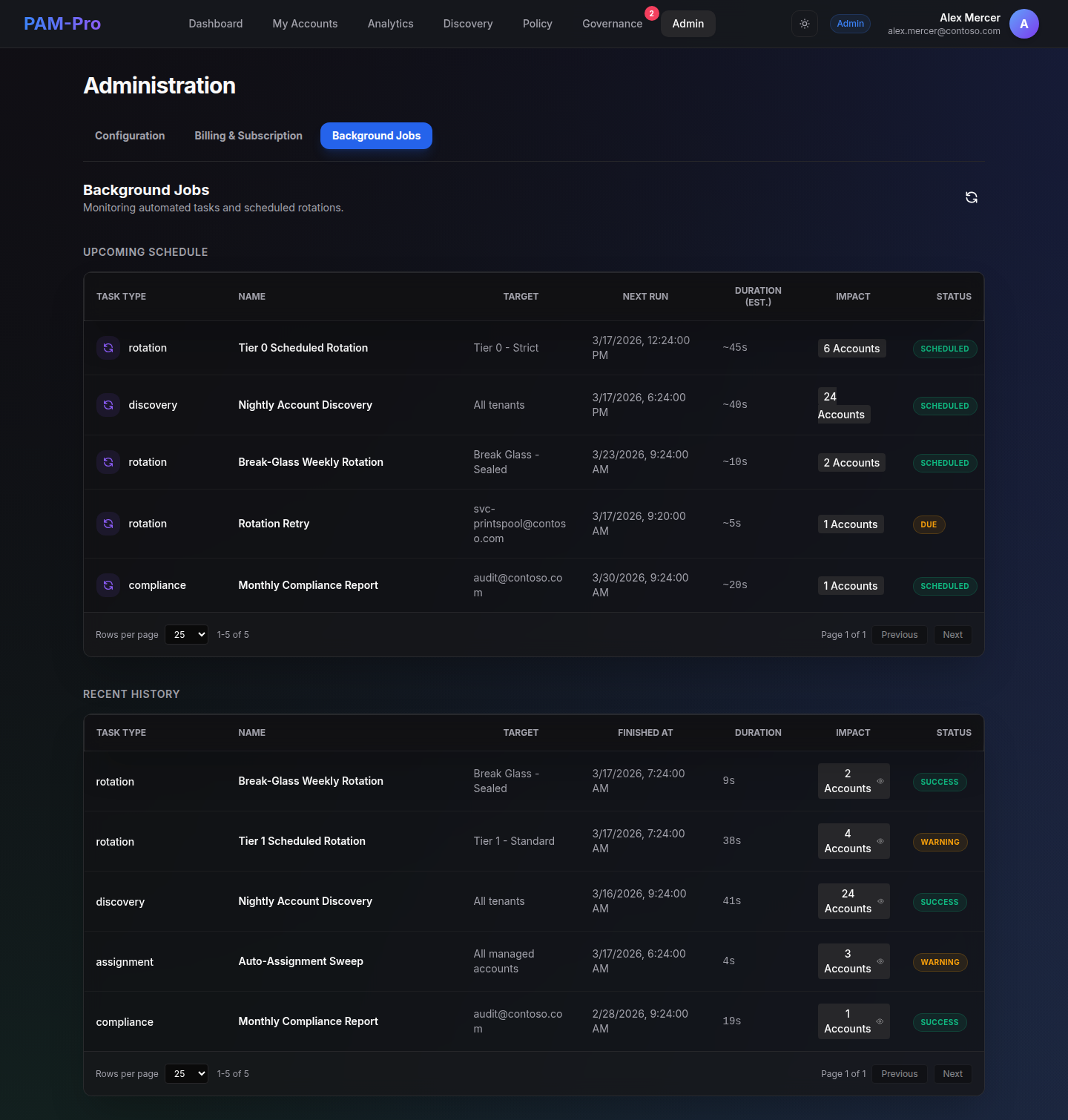
4. Review Sync Results
Once complete, a summary report will reveal any accounts that failed to synchronize due to Graph API throttling or insufficient permissions.
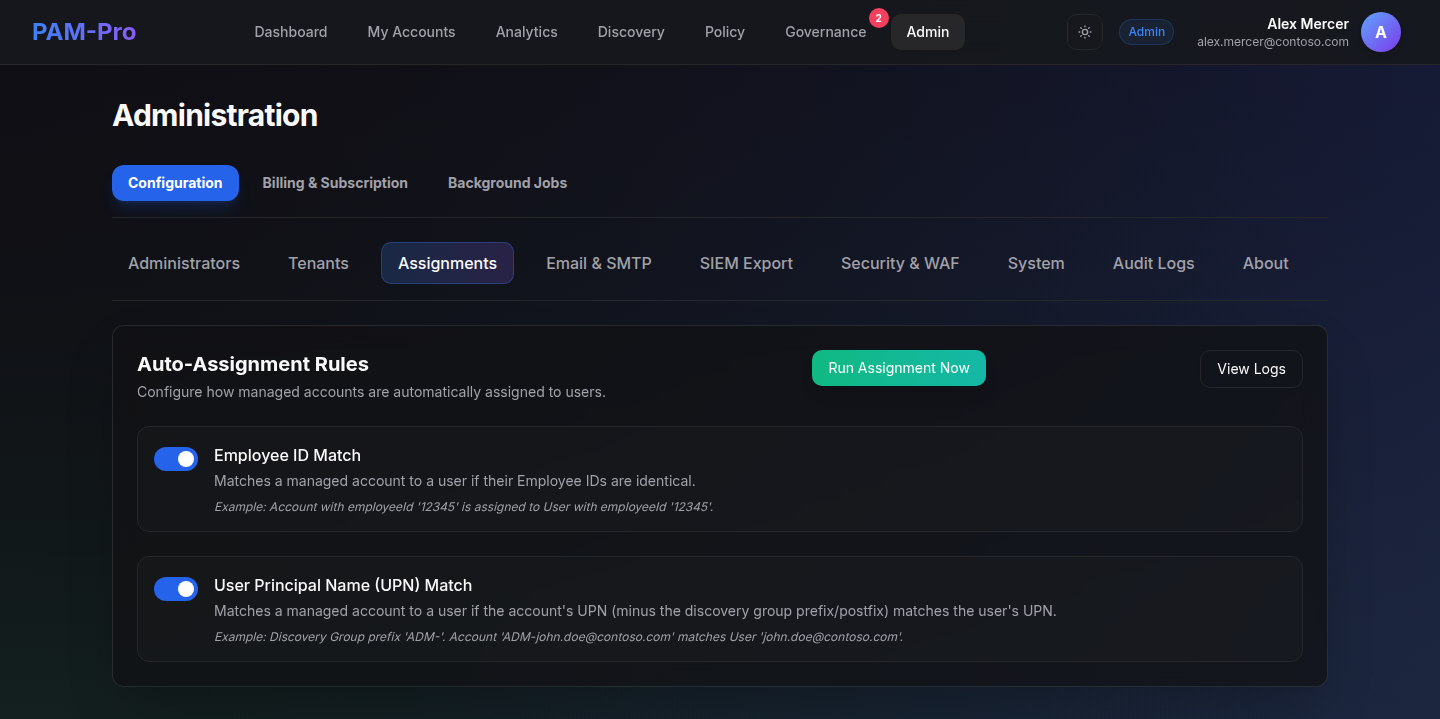
Best Practice: Manual sync triggers are intended for out-of-band changes. Standard governance should be handled by the background scheduler to ensure optimal system performance.
© 2026 Huntoso LLC. All rights reserved.