Audit History
Every account managed by PAM-Pro has a detailed audit trail tracking every discovery, promotion, rotation, and checkout event. This provides a complete functional history for auditing and compliance purposes.
Reviewing Account History
To view the history for a specific account, follow these steps:
1. Open the Dashboard
Navigate to your PAM-Pro dashboard to see an overview of your environment status and managed accounts.
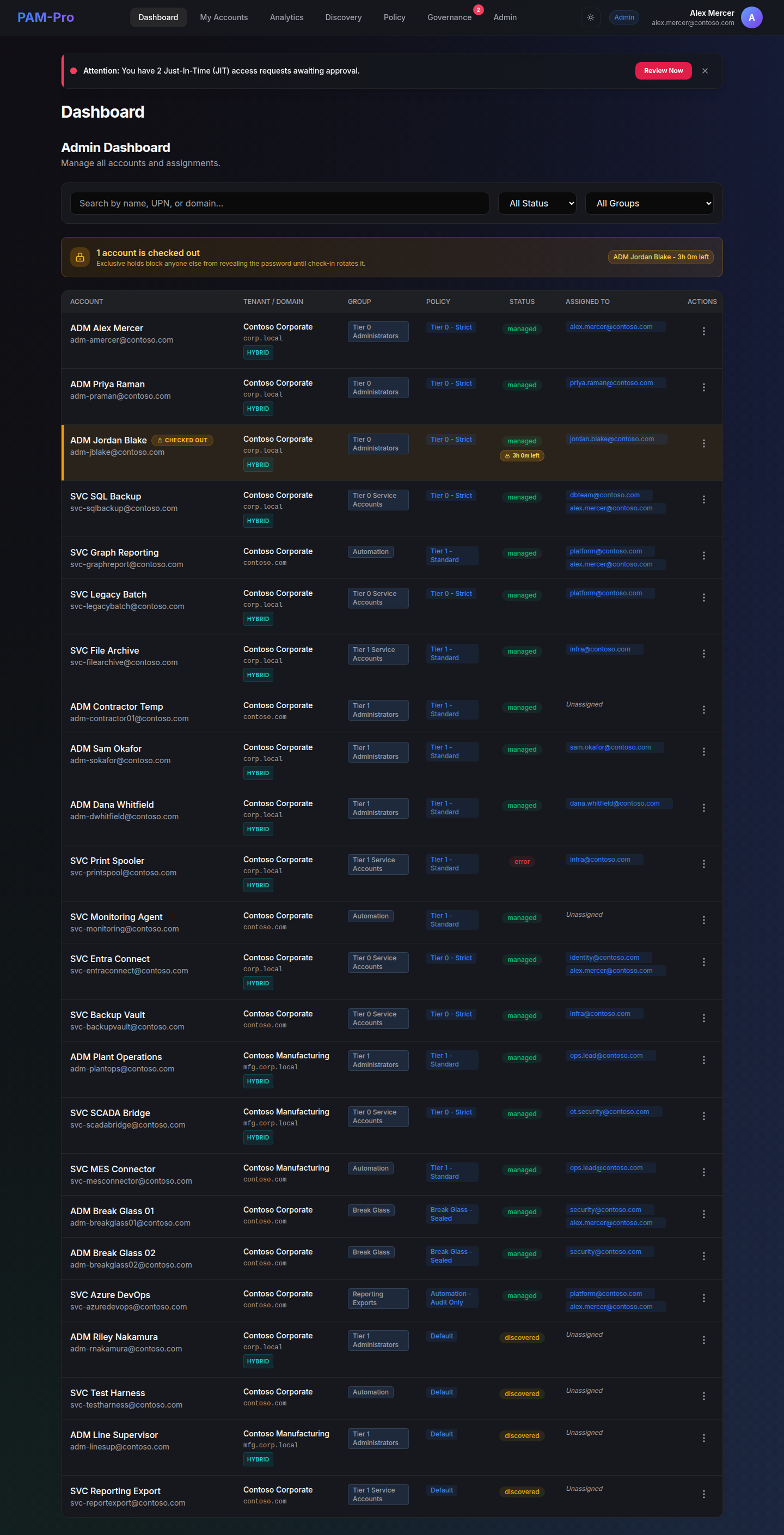
2. Locate the Account
Use the search bar in the My Managed Accounts or Managed Accounts table to find the specific identity you wish to audit.
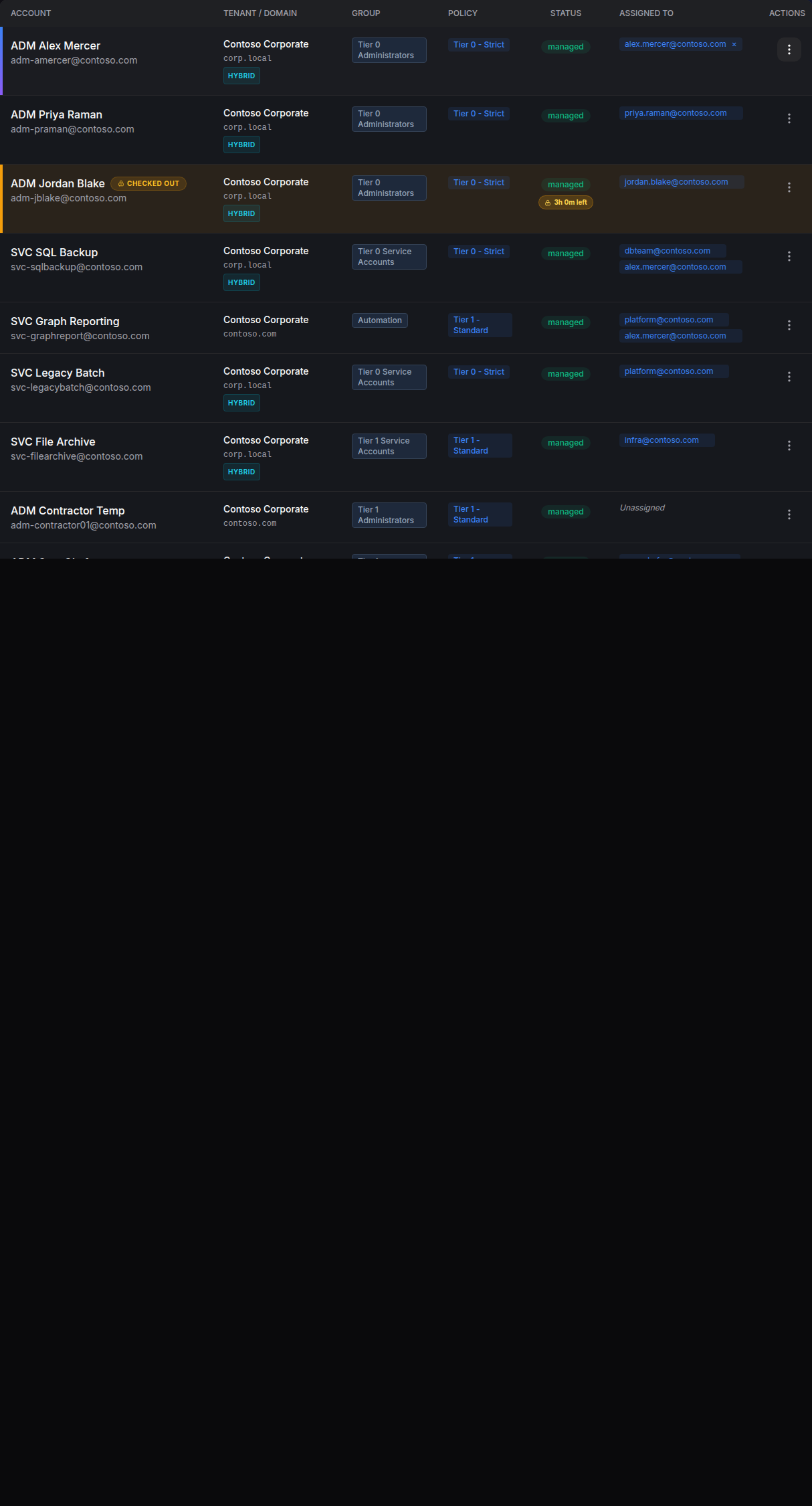
3. Open Account Details
Click on the account name or the 'Details' icon to open the account modal. This view provides deep insights into the account's lifecycle, including recent rotations and checkout events.
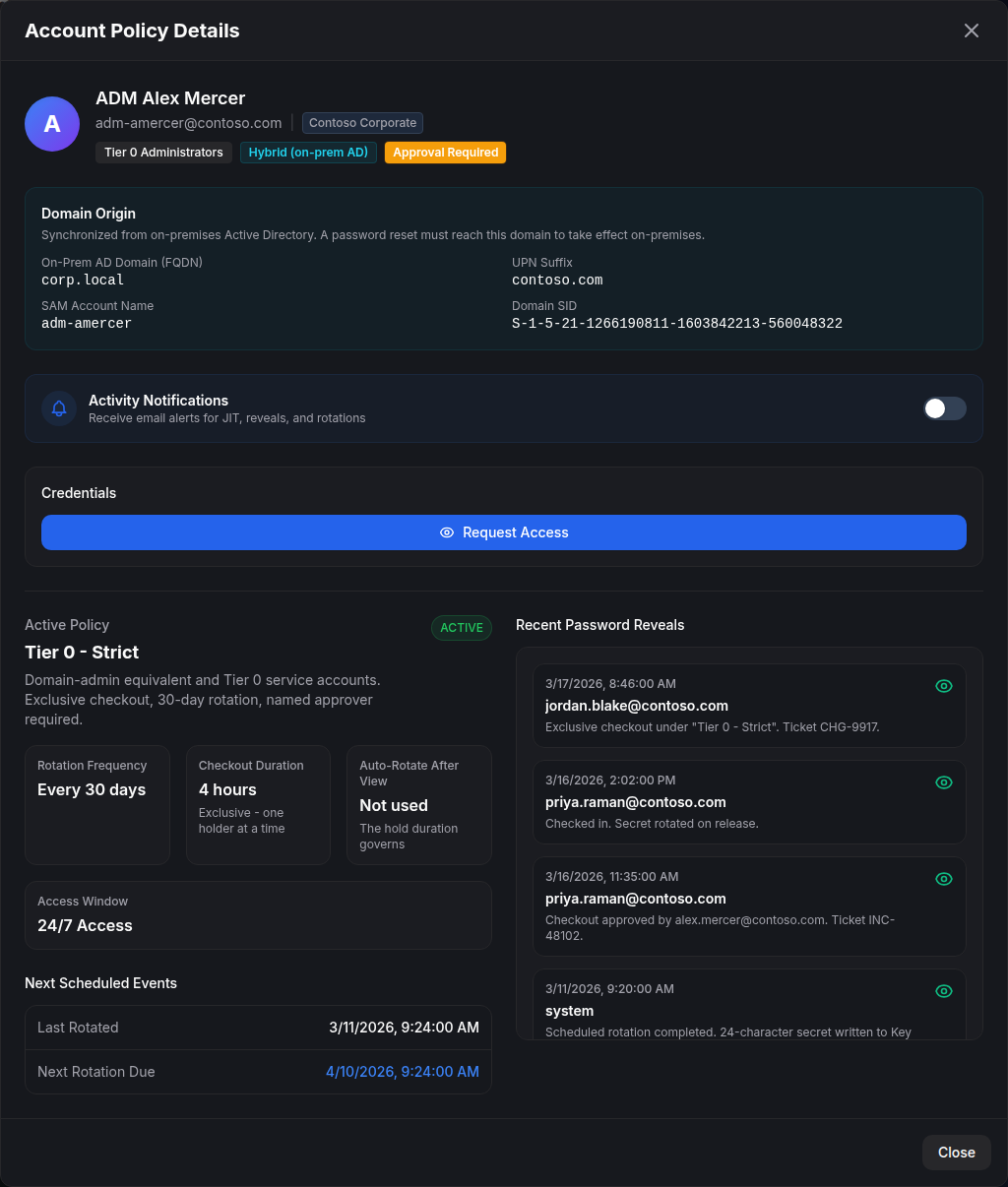
From here, you can review the full chronological log of actions associated with this account, ensuring complete transparency and accountability.
© 2026 Huntoso LLC. All rights reserved.