License Management
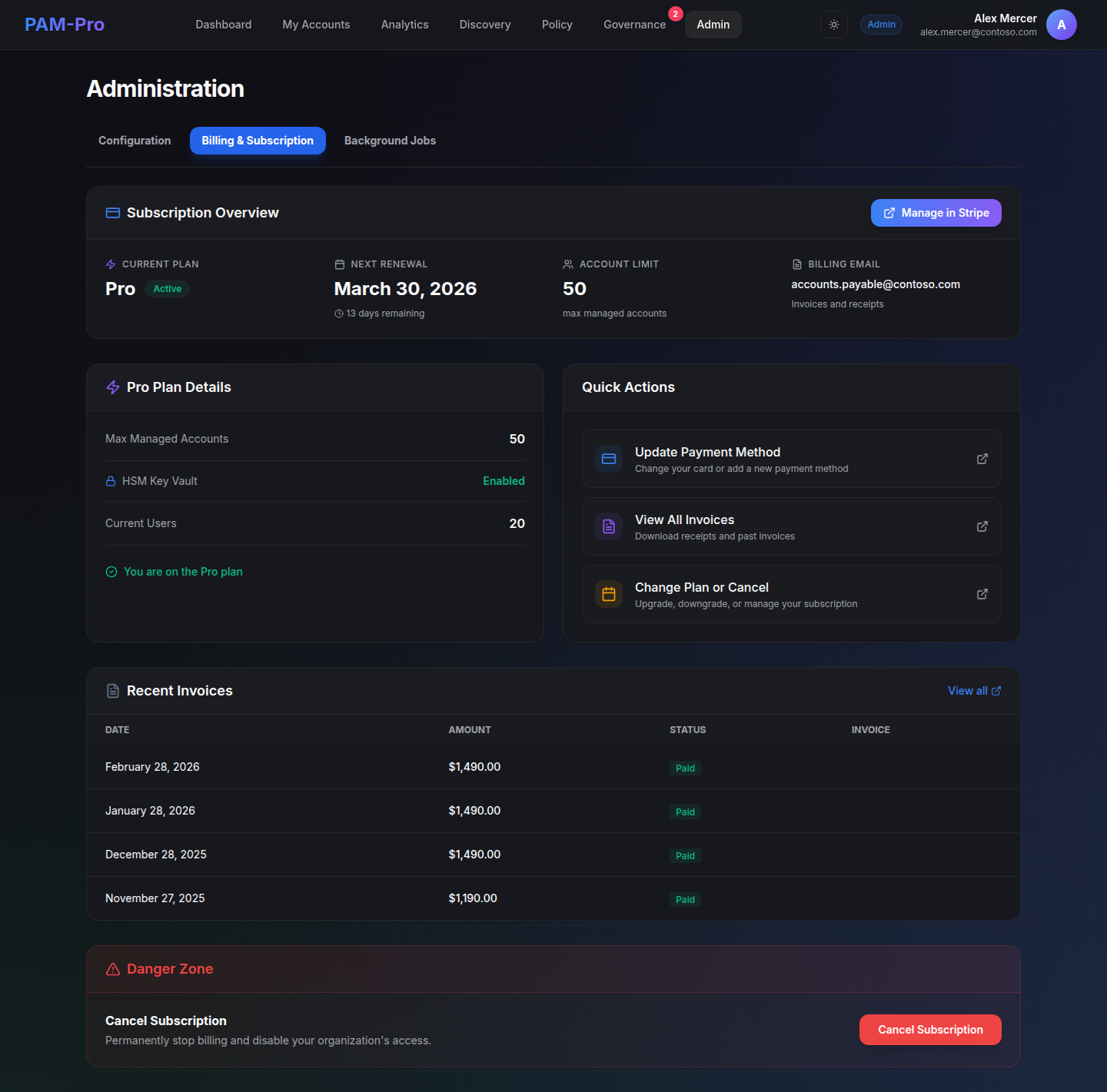
Your PAM-Pro license determines how many accounts can be in managed status at any one time. License usage and system information are visible in Settings › About.
Finding Your License Information
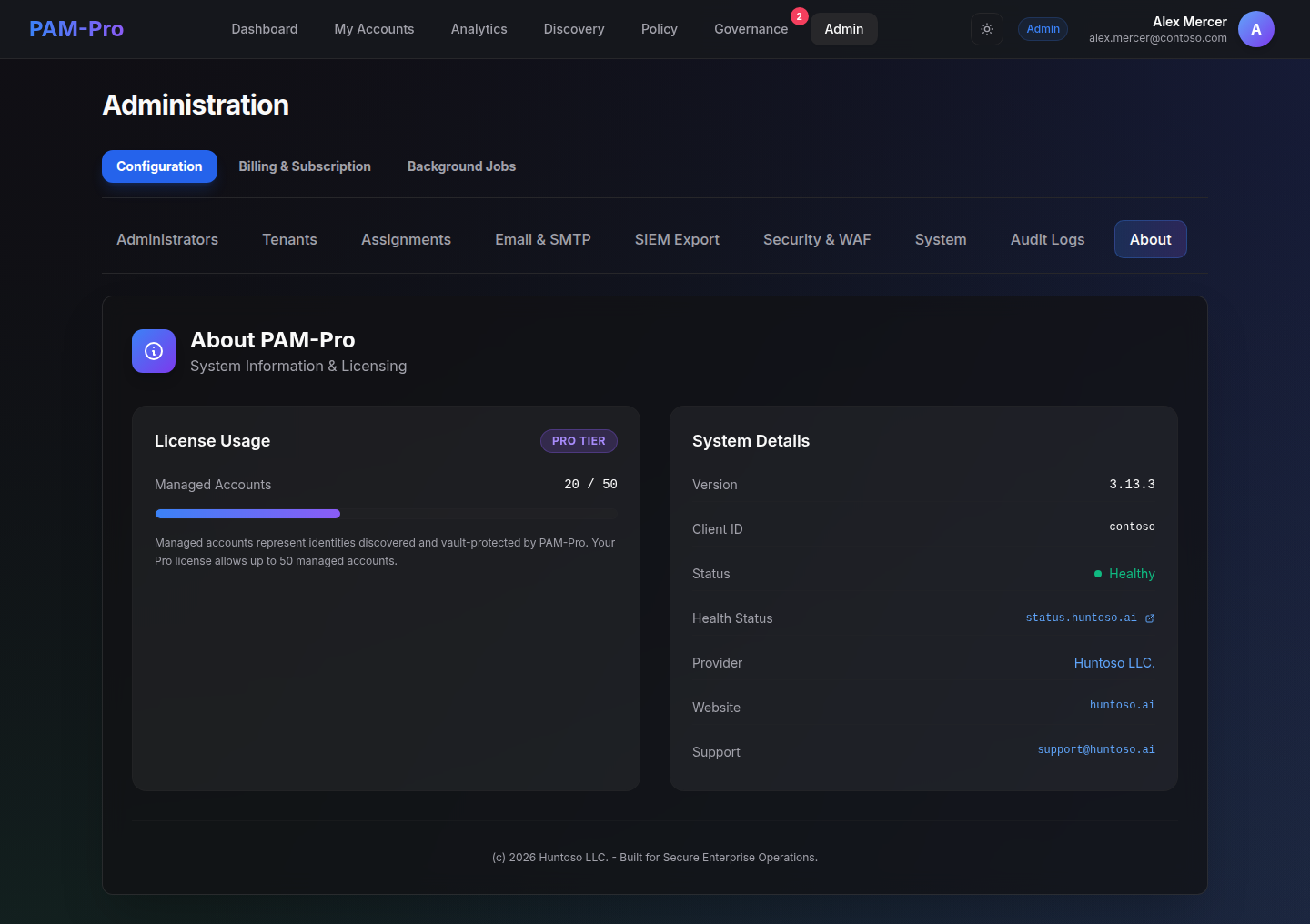
Navigate to Settings › About to see:
- License Usage - Your current tier badge (Teams, Pro, or On-Premise) and the number of managed accounts consumed vs. your capacity (e.g., 0 / 1000 for a Pro tier deployment).
- System Details - The current PAM-Pro version, system health status, provider (Huntoso LLC), website, and support contact email.
License Tiers and Account Limits
- SaaS Teams - Up to 20 managed accounts. Flat-rate annual billing.
- SaaS Pro - 20 to 1,000+ managed accounts. Per-account monthly billing with a 20-account minimum.
- On-Premise - Unlimited managed accounts. Annual base fee. Customer is responsible for underlying Azure infrastructure costs.
Only managed accounts count toward your license. Discovered accounts that have not been promoted do not consume license capacity. See Managed Accounts for details on promotion.
What Counts as a Billable Account
PAM-Pro billing and license limits are calculated strictly from managed Entra ID user accounts actively governed by the platform.
- Billable Managed Accounts: Entra ID user accounts that you have explicitly promoted to managed status for automated credential rotation, JIT access, or governance.
- Discovered (Unmanaged) Accounts: Accounts enumerated by directory discovery that have not been promoted do not consume license seats.
- Vaulted Secrets (SSH Keys & Web Passwords): Credentials stored in PAM-Pro modules for governed access and audit history (such as SSH keys, web passwords, and custom credential templates) do not count as billable accounts.
- Unrotated Hybrid Accounts: On-premises synced accounts where Password Writeback is disabled are held for governance but are excluded from your billable seat count and rotation-coverage compliance score.
Approaching Your Limit
PAM-Pro does not automatically prevent you from promoting accounts beyond your license tier limit, but exceeding your capacity may trigger a license review by the Huntoso support team. If you are approaching your account limit, contact [email protected] to discuss capacity expansion or tier upgrade options.
© 2026 Huntoso LLC. All rights reserved.