Health Analytics
Health Analytics surfaces operational issues in your PAM-Pro deployment - overdue password rotations, unassigned accounts, stale credentials, and governance drift. It is distinct from the Security Scoreboard, which covers configuration hardening checks. Health Analytics covers the day-to-day operational state of your managed accounts.
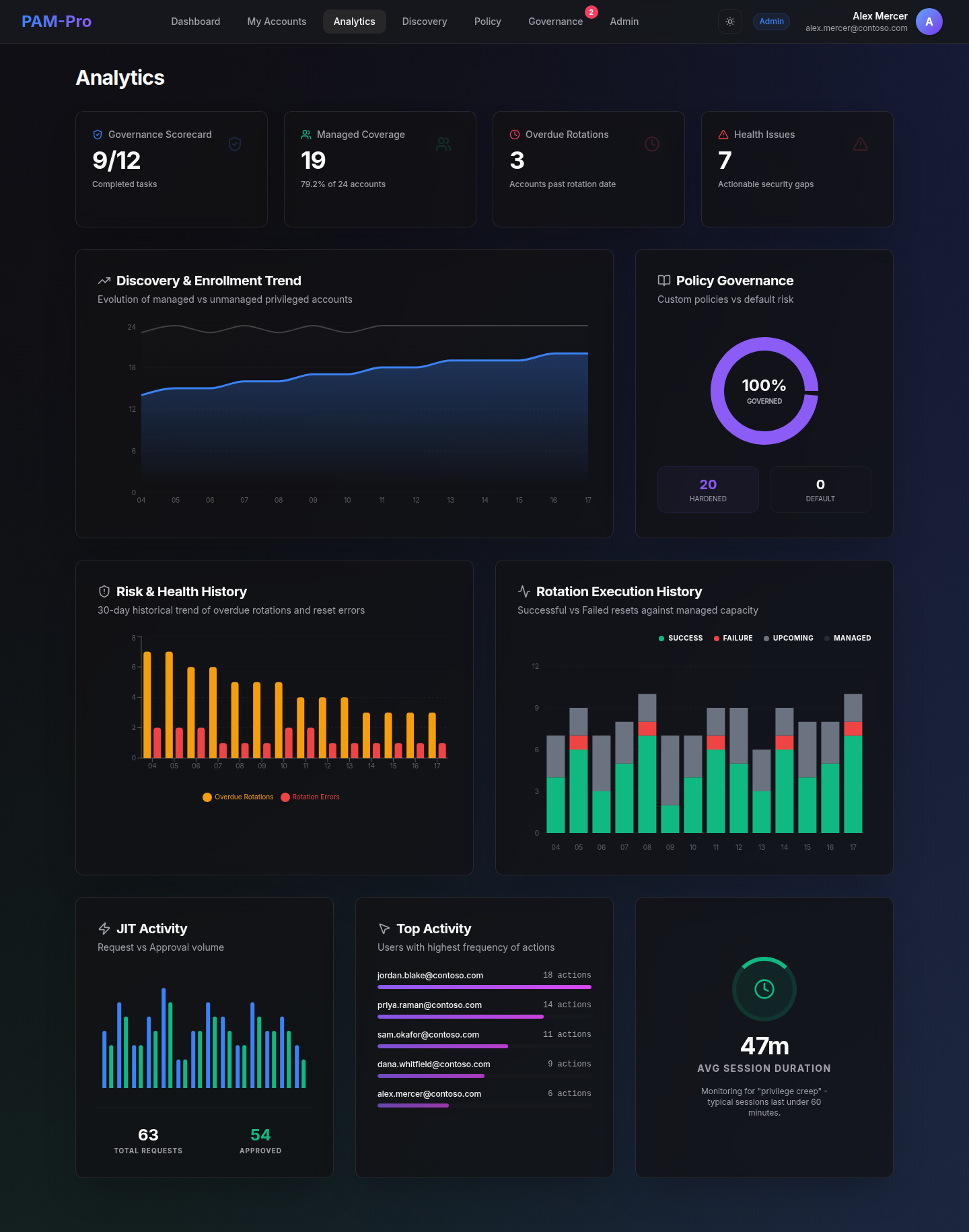
Rotation Health
PAM-Pro tracks whether managed accounts are rotating on schedule. Accounts that have exceeded their forced rotation window without completing a rotation are flagged as overdue. Common causes include:
- Key Vault connectivity issues preventing the rotation engine from writing the new secret.
- Accounts that were manually excluded from rotation or have been placed in an inactive policy.
- Entra ID accounts that have been disabled but not removed from the managed account list.
Unassigned Accounts
Managed accounts that have no assigned user cannot be checked out via JIT workflows. Health Analytics flags these accounts so administrators can assign them or remove them from governance. See Naming Conventions for how to configure auto-assignment rules to reduce unassigned accounts over time.
Account Drift and Orphans
During each discovery scan, PAM-Pro cross-references its managed account list against your live Entra directory. Accounts that exist in PAM-Pro's managed list but can no longer be found in Entra ID are flagged as Orphaned. Orphaned accounts should be reviewed and removed to keep your license count accurate and your governance scope clean.
Stale Passwords
Accounts whose passwords have not been rotated within a configurable threshold (outside of the scheduled rotation window) are flagged as stale. This is a leading indicator of accounts that may have drifted outside of active governance - for example, service accounts that were vaulted but never had a rotation triggered because they were never checked out.
© 2026 Huntoso LLC. All rights reserved.