Identity Verification
Before proceeding with full tenant governance, PAM-Pro must validate the underlying Azure infrastructure and Microsoft Graph permissions required for automated discovery and rotation.
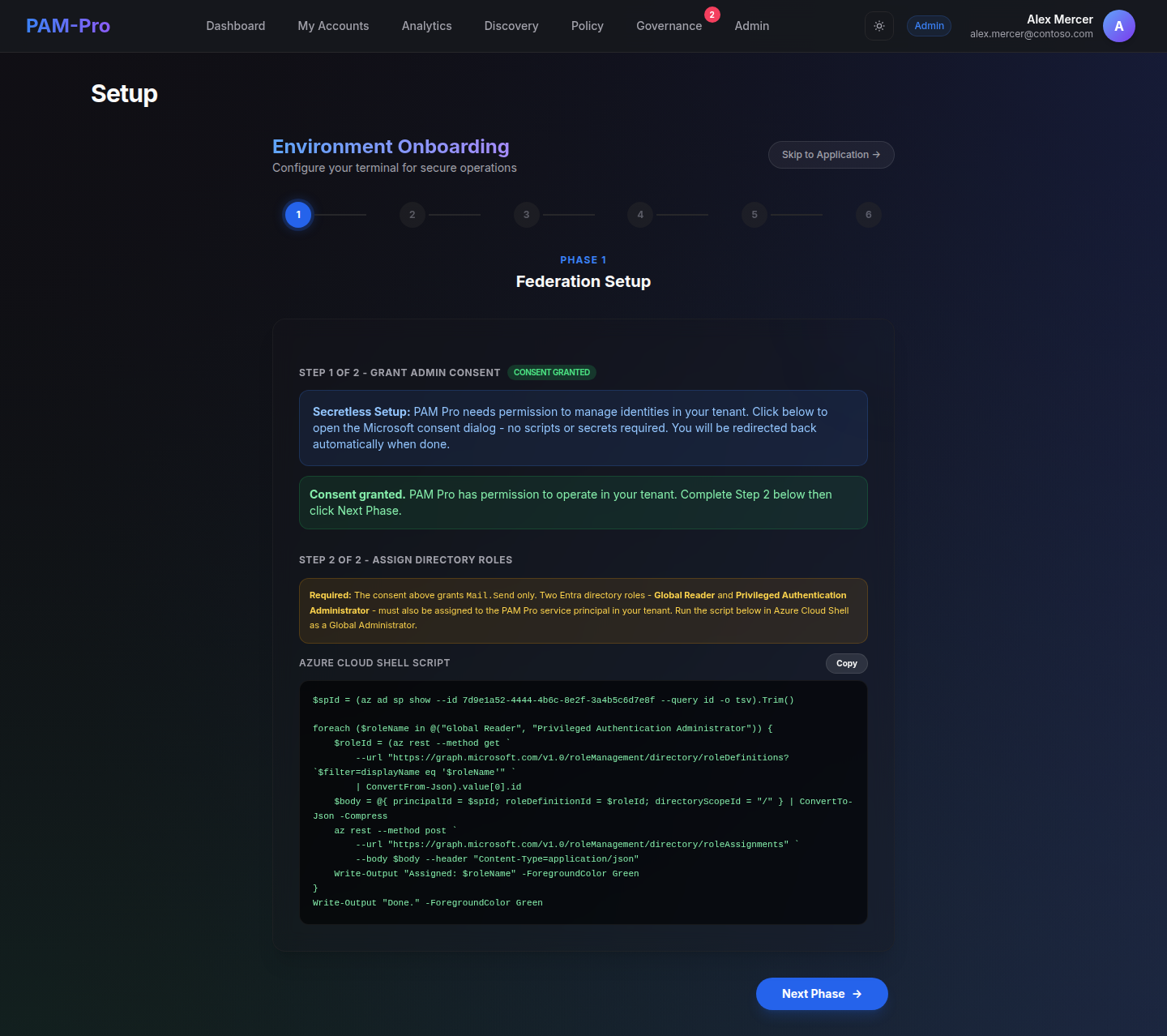
You can perform this verification directly within the Initialization Portal or through the System Operator's Dashboard.
1. Initiate Verification Scan
Click the "Run Prerequisites Check" button. The engine will conduct a multi-point validation of your environment's readiness.
2. Review Permission Status
The dashboard will display a detailed report of the following permissions:
- Graph API: Checks for
User.Read.All,Group.ReadWrite.All, andDirectory.ReadWrite.All. - Authentication Flow: Verifies the OIDC callback URLs and Client Secret validity.
- Tenant Identity: Confirms the Entra ID Tenant ID matches the licensed environment.
3. Verify Storage Connectivity
The system confirms authenticated connectivity to the Azure Blob Storage account designated for WORM logs. This ensures that compliance evidence can be successfully persisted.
4. Remediate Failures
If any check fails, the dashboard will provide a specific Remediation Script that can be executed in the Azure Cloud Shell to address the missing permissions.
© 2026 Huntoso LLC. All rights reserved.