Master Registry Admin
The Master Registry is the central orchestration database that tracks global tenant configurations, license allocations, and high-level health metrics across the PAM-Pro ecosystem.
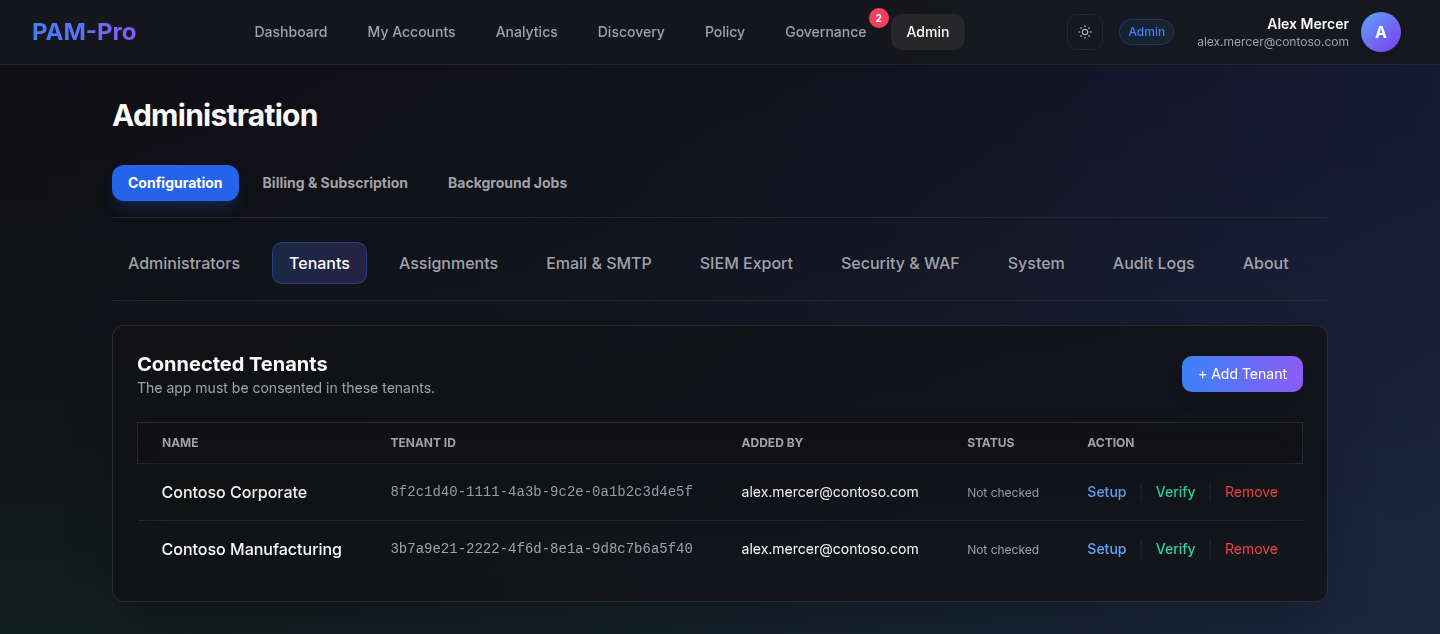
1. Accessing the Master Registry
Only verified System Operators with Super Admin status can access the Master Registry. This dashboard is segregated from standard client-level administrative views.
2. Monitoring License Capacity
Review the Global License Pool. The registry tracks how many "Managed Accounts" are currently consumed across all tenants versus your total purchased capacity. Automated alerts will trigger when you reach 90% utilization.
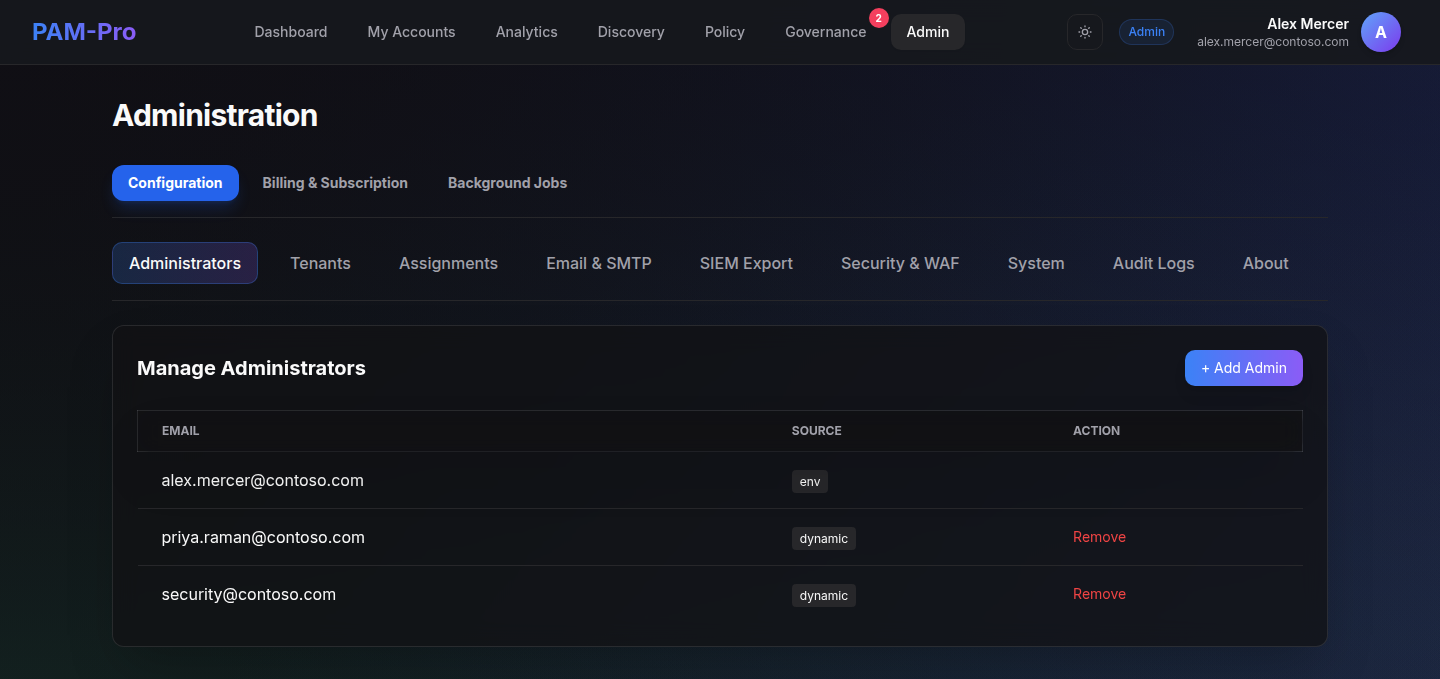
3. Updating Global Defaults
Configuration changes made in the Master Registry (e.g. updating the global Helpdesk URL or Security Contact email) are automatically syndicated to all child tenants during their next sync cycle.
4. Reviewing Cross-Tenant Alerts
The Master Registry aggregates high-priority security signals (e.g. multiple failed bootstrap attempts or global infrastructure outages) into a unified "Critical Events" feed for the SOC.
Security Warning: The Master Registry contains the functional map of all governed Azure environments. Ensure that access to this dashboard is protected by P2 Conditional Access policies and hardware-based MFA.
© 2026 Huntoso LLC. All rights reserved.